 Toolbox Max
 / Features / Photo Editor
Photo editor
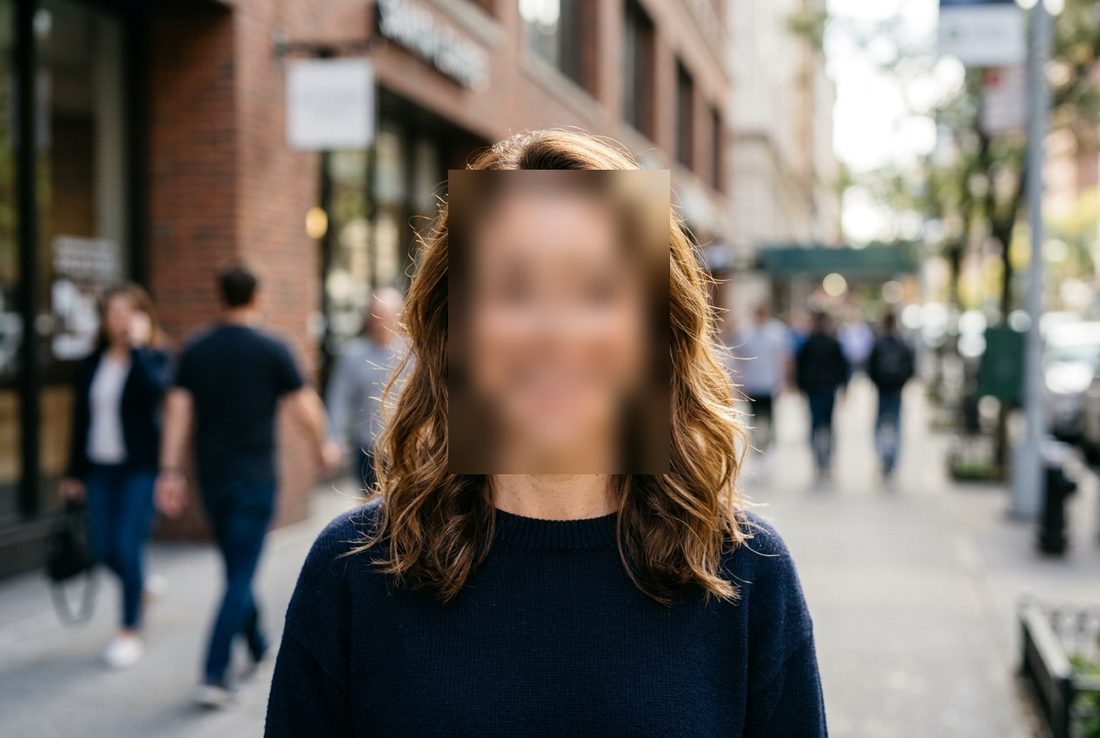
Blur out faces, account numbers and other sensitive data before you send a photo or screenshot on. Everything happens in your browser.
Available in: Toolbox Max Toolbox Max for Developers
Three steps
Load a photo from a file, paste it from the clipboard, drag it onto the window or capture the open page.
Pick a tool: blur, pixelate, cover, frame, arrow, text or crop, and select an area.
Download the result as PNG or copy it to the clipboard. Made a mistake? Undo up to the last 15 changes.
What you get
- Blur and pixelation with adjustable strength
- Solid-color cover: the surest way to protect data
- Frames, arrows and text to annotate screenshots
- Cropping to a selected area
- Images up to 4000 px on the longer side
When it helps
- Blurring faces of people in an event photo
- Hiding an account number, address or phone number in a screenshot
- Pointing out a bug with arrows in a support ticket
Free forever
This tool is in the Free version with no time limit.
In Pro: A series of photos at once and automatic face detection (to be checked and corrected by hand). Manual blur and pixelate are free.
Privacy and permissions
The image is processed locally in your browser and is never sent anywhere. The extension doesn't need permission to access pages unless you capture the open tab.
All tools in one panel
Install it for free and see how many extensions you can finally uninstall.
Add to Chrome